
Docs · Release notes
7.6 - Release Notes
What's New
Apps
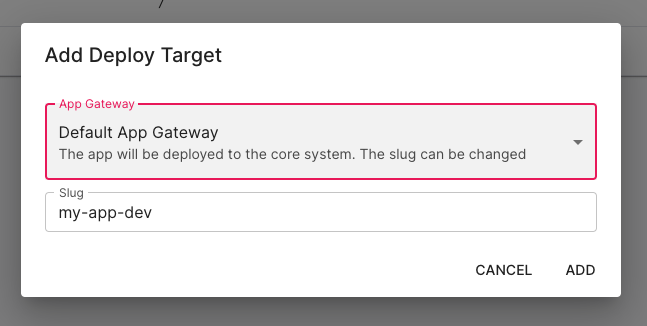
Deploy an App to multiple targets
You are now able to deploy an App to multiple different app slugs/deploy targets at once, this also includes the ability to deploy multiple different versions of your App simultaneously. Previously, it was only possible to deploy either the Draft or Published version of an App at once, but now with this feature you can have both versions deployed at the same time on different URL's.
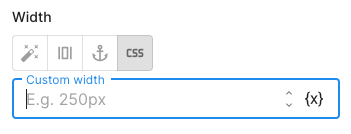
Custom CSS to App Component Properties
Within the properties of App Components, you can now use custom CSS for the following:
- Size
- Width
- Height
- Minimum Height
- Margin
- Padding
Now that these fields accept CSS properties, this allows you to set a property to use any valid CSS value and unit (e.g. 1.5rem) rather than having to use the settings available.
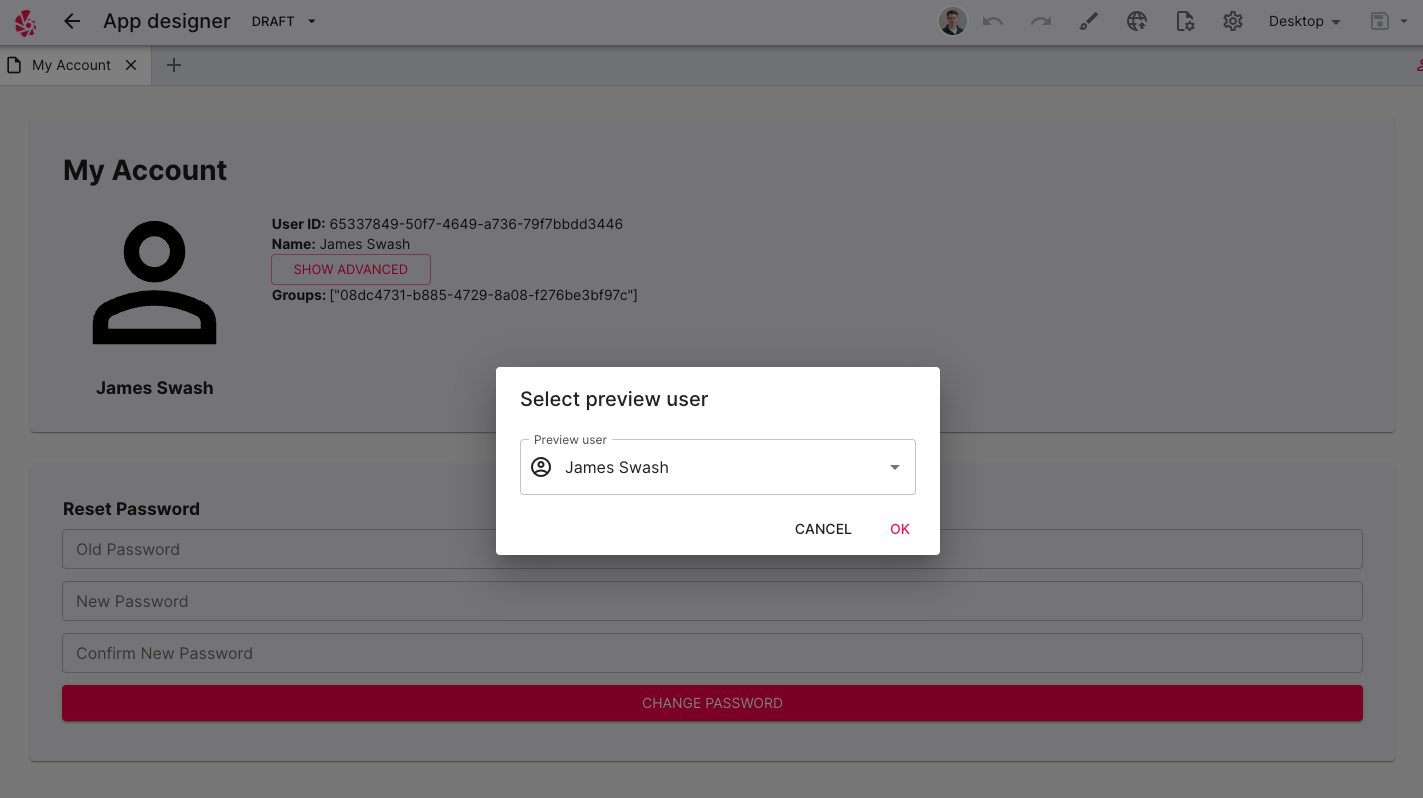
Test App Authentication within Preview Mode
Within the App Designer, you now have the option to enter "Preview Mode" as an App User. This allows you to simulate using the App on behalf of an App User which means you can test that your login is working as expected as well as testing that your permissions are working correctly. You can pick from any existing App User, even if they have completely different Groups and Roles. This is also useful for debugging issues that your App Users might be facing when something is not working as expected, as now you can go through the App as that user.
Export & Import
Wizard Improvements
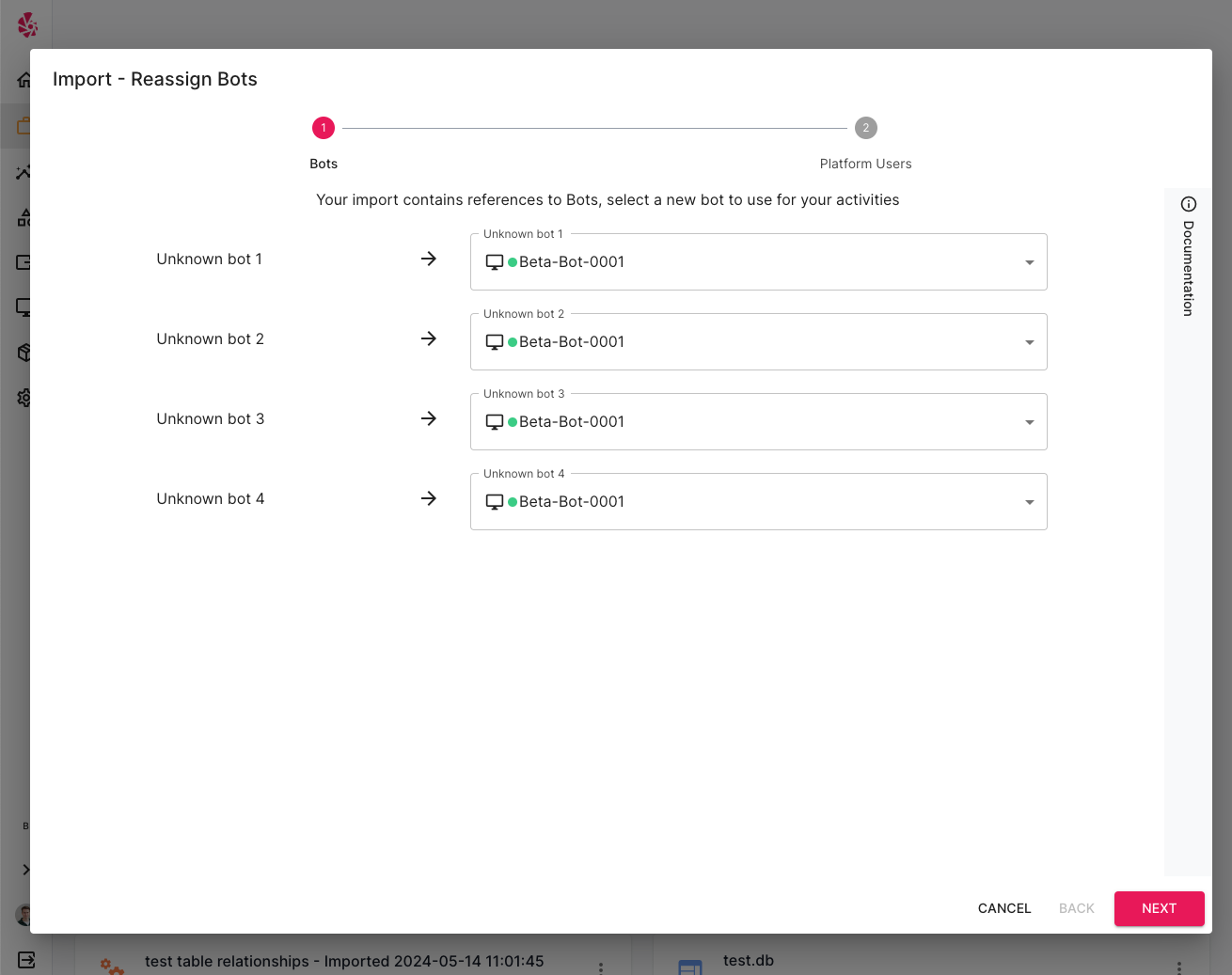
We have addressed feedback regarding the import and export wizards which have previously led to confusion and misinterpretation. The new wizard steps users through the actions which they need to go take when performing an export or import as well as providing more feedback about what changes have happened.
App Components & App Actions now Synced
If you perform an export of an App project and the App contains App Components or App Actions that are not published to a Hub, then the Export wizard will warn you which App actions or App components are not published. Then, when you attempt to import this project onto a different Toca platform, it will automatically install any app components and app actions required in the App from the Pack Manager. If it cannot install any, it will warn you that this is the case.
Improved Handling of Large Tables
There have been significant improvements and efficiency gains made to the process of exporting and importing large tables. The mechanism behind the scenes has been changed to handle data in chunks rather than all at once so it may be slower in some cases to perform an Export and an Import but this means it can now handle much more data. There should be no issues exporting tables which contain > 100,000 rows.
Platform
Documentation improvements
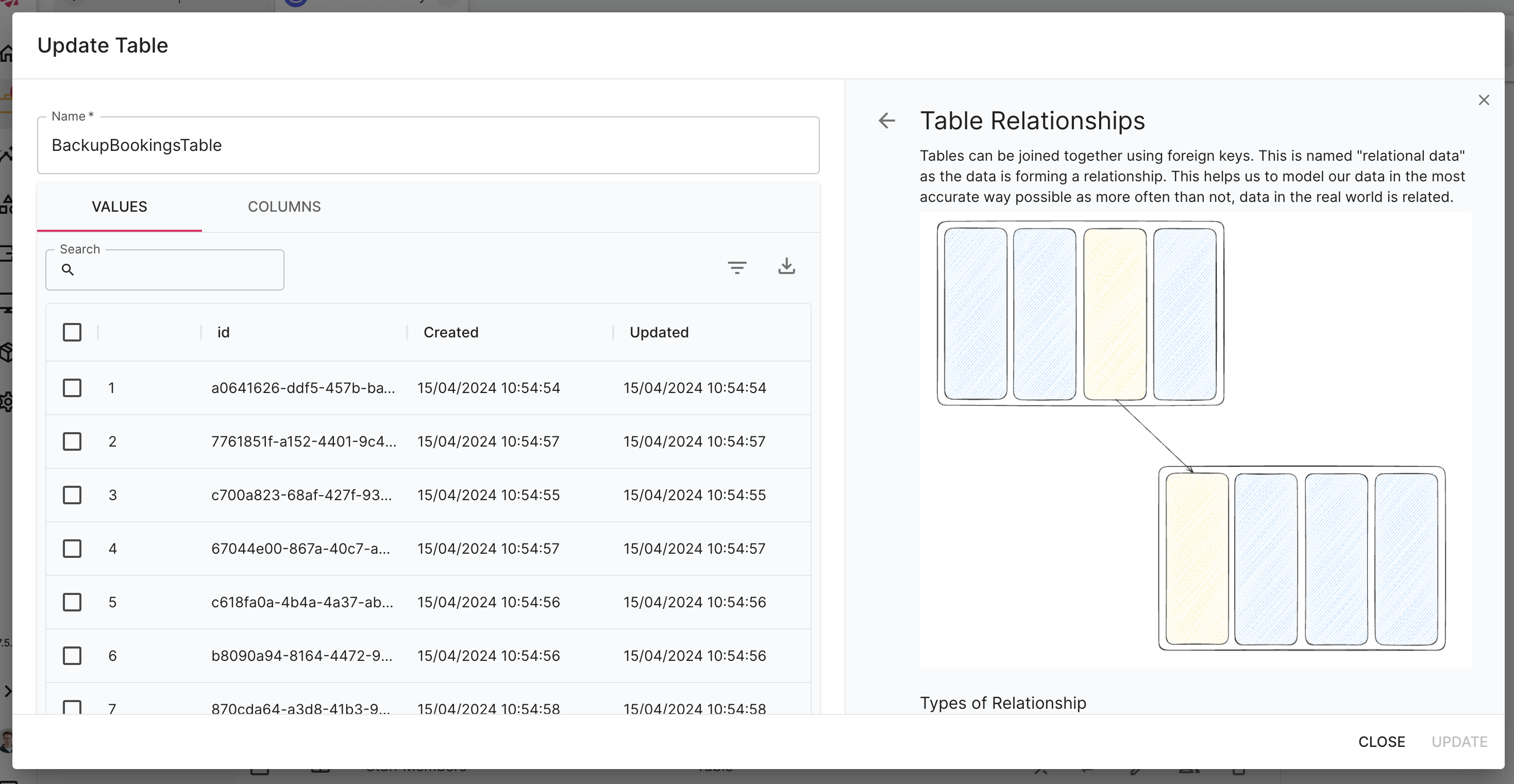
The documentation panels now allow you to zoom in on images to view them more clearly and they also include improved forwarded and links to their corresponding GitHub location.
Packs
New pack type: Release Packs
There is now a new type of pack which allows you to bundle any other pack type (e.g. actions, app components, layouts and app actions) into a single pack. This is useful for situations in which you might have created a new app component and automation action for a project and you want to bundle these TDK entities up within a single container for when you import your project to another Toca platform.
Minimum Platform Version
When publishing a TDK entity to a Hub, you can now specify a minimum platform version which the entity will work on. This will help prevent situations where incompatible Packs have been installed by mistake.
Admin
Migrate User Resources on Deletion
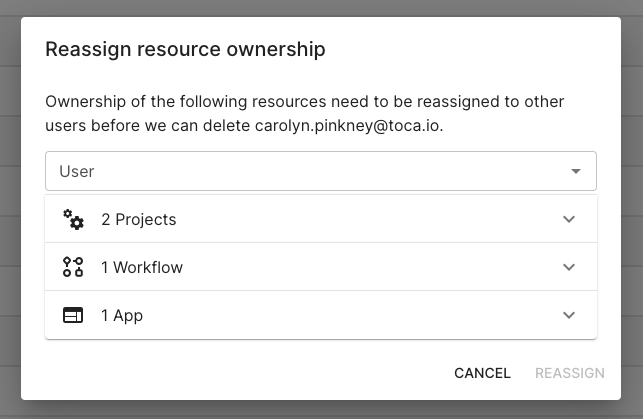
If you ever need to delete a user from your Toca platform, you are now taken through a wizard which will allow you to migrate that users projects and resources to other users on the platform, making sure that the work is not lost and is still accessible.
Download Bot Logs
You can now download error logs from the Bot and it's associated services through the Admin/Bots page.
Bug Fixes
Bug fixes mainly covered the following themes:
- Import & Export
- Bot and Core platform communication
Contact <support@toca.io> for a full list of bug fixes included within this release.
Deprecated
No functionality has been deprecated in this release.