
Docs · Projects
App Deployment
App deployment is the process of taking your app pages and their designs and building them into a single web application that a user can visit in their browser.
Your app will be built and then hosted for you either on the current platform (this is known as the "Default Gateway") or on an additional App Gateway. This will include setting up all the necessary routing between pages and authentication if appropriate.
You can deploy any version of your Application and you can customise the slug your App is hosted on, you can deploy an App to multiple slugs. If you have an App Gateway connected to your platform then you can deploy the same App multiple times under different URLs.
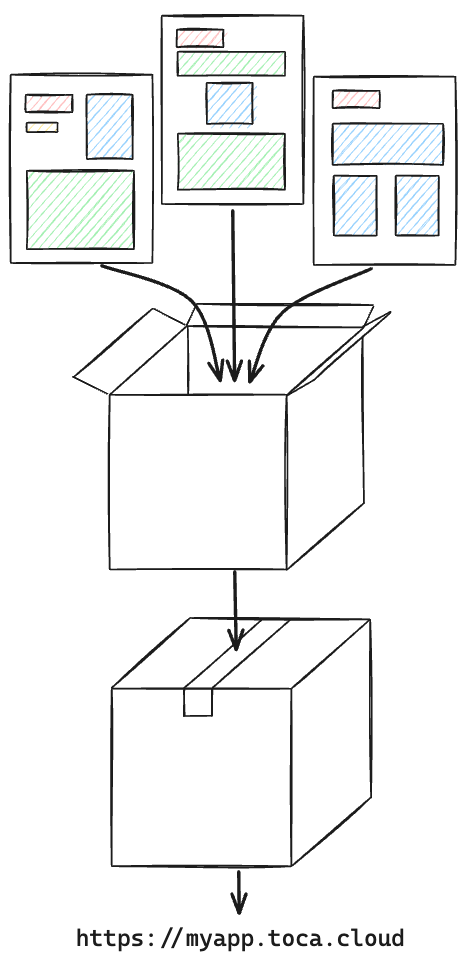
These are the tasks that are happening behind the scenes when you deploy your App:
- Convert your pages, designs and in page logic into code
- Build the code into optimised bundles that the browser understands
- Store the build files in file storage
- Set up an HTTP server to serve and route network traffic to the relevant pages in your Apps
- This includes adding authorisation to the server to make sure only users with permission can access each page and piece of content
- This also includes navigating to default error pages such as
404 - Not Found
If you have deployed to an App Gateway then it is also:
- Sets up SSL certificate to make sure network traffic to your App is secure