
Docs · Projects
Data Types
Every column in a table has a predefined type, this helps to make sure that your data is always in the right format. As the data types of each column are always known, it also allows you to build safer Apps and Automation by making sure that your data connects in a consistent way.
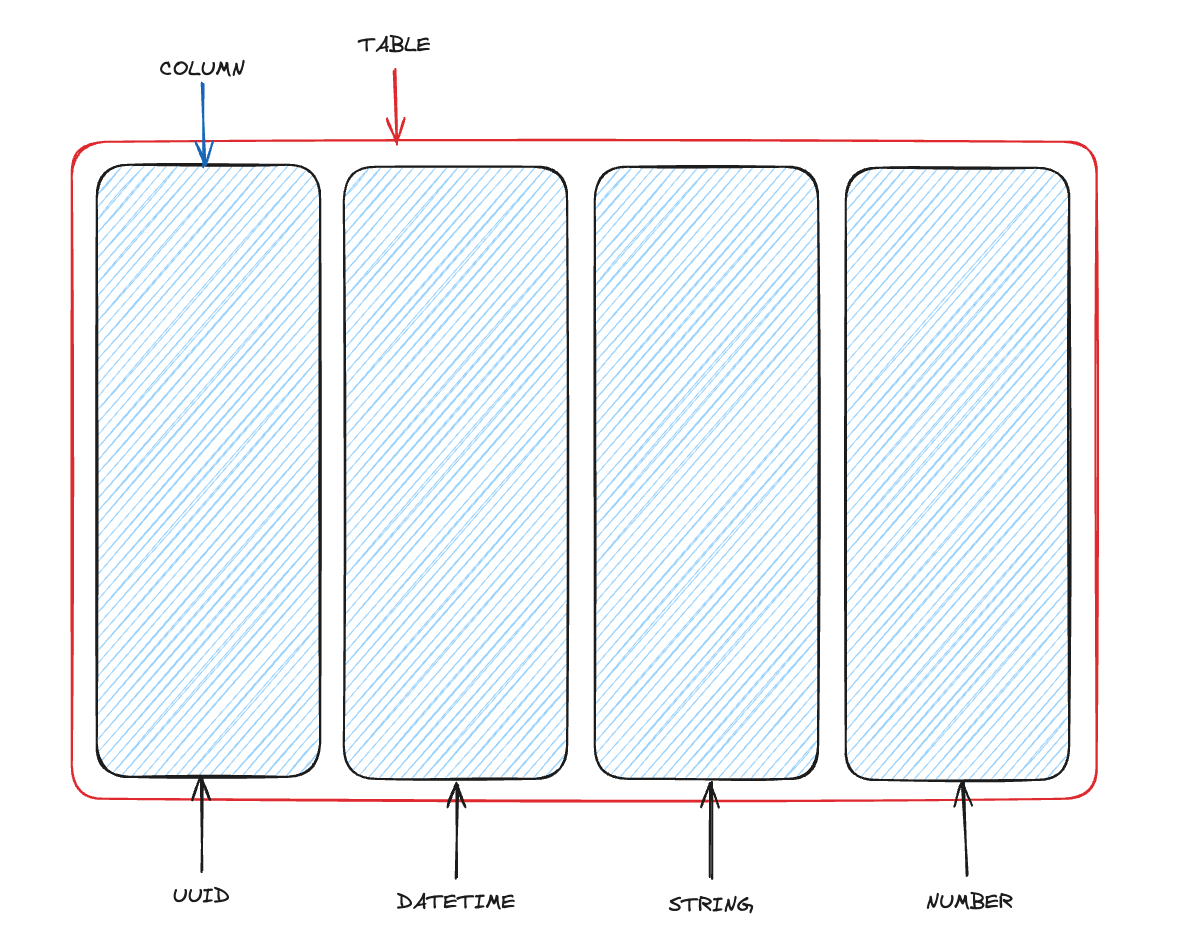
The following types are available:
| Type | Description |
|---|---|
| String | Used to store any text based data, this is stored as a longtext type behind the scenes. |
| Number | Used to store any numerical data, can handle decimal points |
| Boolean | Stores true or false |
| Time | A fixed 24-hour timestamp in the format of HH:MM:SS e.g. 20:52:22 |
| Date | A date and 24-hour time in the format of dd/mm/YYYY e.g. 05/09/2018 represents the 5th September 2018 |
| DateTime | A fixed date in the format of dd/mm/YYYY HH:MM:SS e.g. 05/09/2018 09:00:00 represents 9am on the 5th September 2018 |
| JSON | Stores valid JSON, this is useful for storing complex objects e.g. { "name": "Toca.io" } |
| UUID | Stores a UUIDv4), this allows you to generate unique values. e.g. 72f6eae6-c795-40f2-898a-8f02c202082d |
| File | Stores any sort of file, this is useful for when you want to associate a file with a record of data |
| Image | Stores any image format, this can be particularly useful when powering a repeating layout in an App and wanting to display an image per record, e.g. a list of employees |
| Table Relation | Allows you to specify either a 1:1 or 1:many relationship with another table in the datastore |
You can "cast" columns from one type to another by changing the column type, however there can be some incompatibilities between types. For example, if you cast a timestamp to a date, you will lose all the time information that was previously saved.
For String data types, you are able to specify the underlying Database Data Type.
Most datatypes support default values, read on for more information: