
Toca Academy
Welcome to Toca Academy.
From basics to advanced techniques, our tutorials cover everything you need to get started with Toca low-code development.
Continue watching
Courses
All courses →Foundation Engineer
Start here. What Toca is, then your first app and your first automation, one short video at a time.
6 lessons · 25 videosIntermediate Engineer
Go deeper: richer activities, sturdier workflows, and apps driven by your own data.
4 lessons · 24 videosAdvanced Engineer
Specialist topics for systems in production: document processing, logging and data retention.
1 lesson · 2 videosAll videos
Foundation32 videos

(Basic) User Authentication
Implement user authentication to ensure secure access to your app.

7.10 - Data Processor AI Summary
7.10 brings our first AI feature to Toca in the form of the Data Processor AI summary.
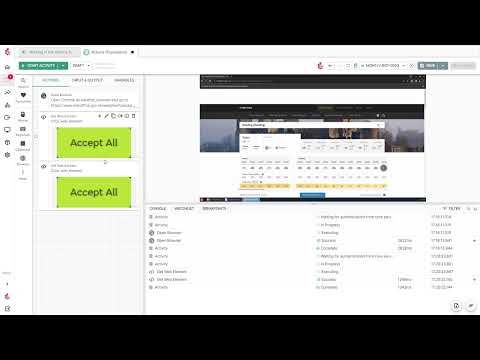
Actions
A simple look into how actions can be used in automation, including Open Browser, Get Web Element, and Set Datastore Variable.

Activity Designer Tour
An overview of the activity designer, including how to add actions, re-order them, and assign bots.

Agent (Bot)
Discover how agents (bots) can automate repetitive tasks and workflows.

App Designer Summary & Tour
Get a tour of the tools available for building websites and applications.

April 2025 | Foundation Webinar 1 | Introduction to Toca
Get an introduction to the Toca platform, automation, and app development with hands-on practice.

April 2025 | Foundation Webinar 2 | Automation Overview
Explore the basics of creating and managing automation projects, working with APIs, workflows, and listeners.

April 2025 | Foundation Webinar 3 | Building and Deploying Apps
Discover the process of creating an app, linking automation, managing authentication, and deploying for public access.

April 2025 | Foundation Webinar 4 | Best Practices
Learn some helpful Toca development best practices, including naming conventions, project organisation, debugging, and workflow optimisation for scalability.

Automating the Calculator
Discover a use case for automating the calculator.

Automation Project Tour
Get a guided tour of the automation UI to understand its key elements.
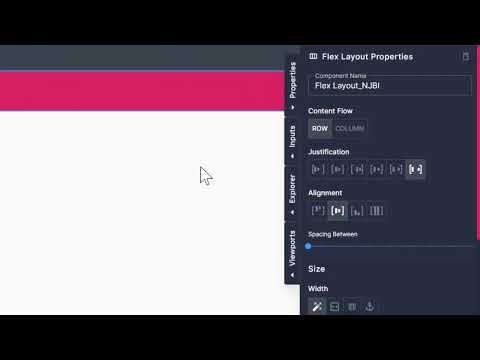
Blocks
Learn how to use blocks to create reusable elements.

Blog App
See how to build and manage a blog app with this use case.

Breakpoints
Discover how breakpoints help in debugging and refining automation.

Console
Learn how to use the console for debugging and monitoring automation.

Content Components
Learn how to use content components like text and images to build your app.

Datachips
Learn how to use data chips to set variables and dynamically drive automation tasks.

Datastores
Learn how to use datastores to store, manage, and access your automation data.

Deploying Apps
Discover the steps to publish your app online.

Form Components
Form components in a nutshell.

Get World Population Data
Explore a use case for automating the daily collection of population statistics.

Get World Population Data (Extended)
Building on the previous video in which we gather world population data, extend your automation and learn how to automate the browser.
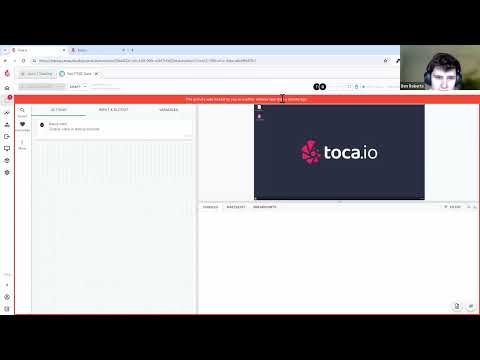
Introductory Training Webinar
Get an overview of the basics of Toca. Covering RPA, the Activity Designer, Workflows, and creating a simple application in the app designer.

Layouts
Design and arrange content using various layouts in the app designer.

Linking Apps & Automation with Forms & Listeners
Explore how to use forms and listeners to link apps with your automation projects.

Schedules
Explore how to configure schedules for executing workflows at specified times.

Simple Landing Page App
Learn how to create a basic landing page using the app designer.

Theming
An overview of theming to enhance the look and feel of your apps.

Toca Overview
An overview of the platform to show you the basics.

Viewports
Understand the basics of viewports and their role in responsive design.

Workflows
Explore the steps to build and execute workflows for automated task handling.
Intermediate28 videos

Actions
A further look at automation actions, such as regex match, and a variety of flow control actions.

Automated Testing
Discover how to leverage automation for performing automated testing.

Automated Testing (Extended)
Learn how to expand and enhance your automated testing setup with additional features.

Blog App Revisited
See how to enhance and expand your blog app with additional features.
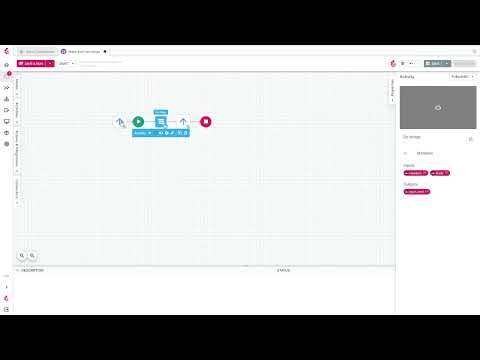
Connectors
Discover how to implement connectors for seamless integration across platforms.

Context (Repeating Layouts & Dynamic Context)
Learn how to use context to manage repeating layouts and dynamic data in your apps.

Creating Forms with Listeners
Learn how to create forms with listeners that trigger workflows based on user input.

Data Analytics
A guide on how to use in-built data analytics tools.

Data Scraping a PDF
Learn how to scrape data from PDFs using OCR technology.

Dynamic Pages
Discover how to create pages that adapt based on dynamic data sources.
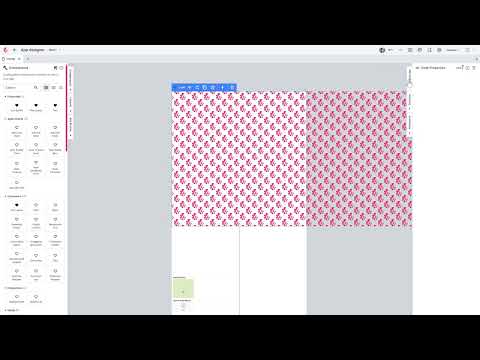
FAQ - CSS Animations
Learn how to use the Code component in combination with the global app settings to achieve CSS animations in Toca.

FAQs - Creating an Identity
Learn how to create an identity in Toca from a given identity provider.

In-Page Logic (IPL)
Discover how in-page logic allows you to perform actions within your applications with simple drag-and-drop app actions.
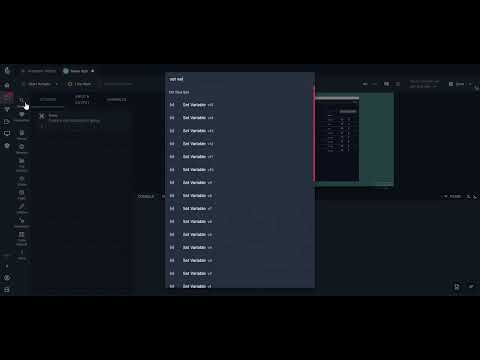
Inputs & Outputs
Manage data flows effectively using inputs and outputs in automation processes.
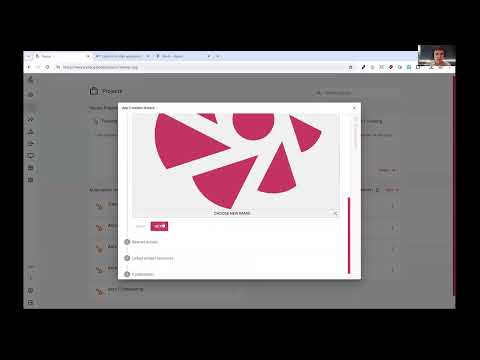
Intermediate Training Webinar
Dive deeper into building a full-stack application in Toca, utilising relational tables, single-sign-on, and backend integration into GMail.

Linking Apps and Automation Projects
Discover how to seamlessly integrate your apps and automation projects.

Listeners and Triggers
Guide to using listeners and triggers to kick off automated processes.
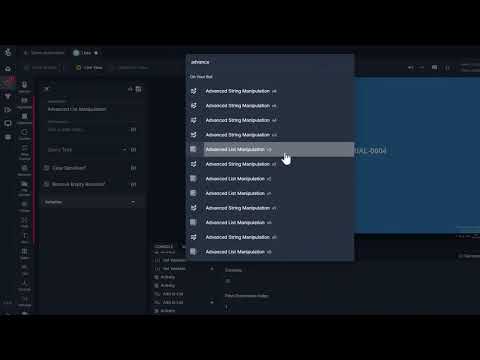
Lists
Learn how to create and utilise lists in your projects.

Querying Tables from Apps
Learn how to query tables directly from your apps to access and manipulate data.

Repeating Layout
Learn how to build and theme dynamic content such as table and lists with the Repeating Layout component, featuring searching, filtering, and sorting options.

Reporting (Pipelines)
Monitor and debug workflows with a reporting dashboard.
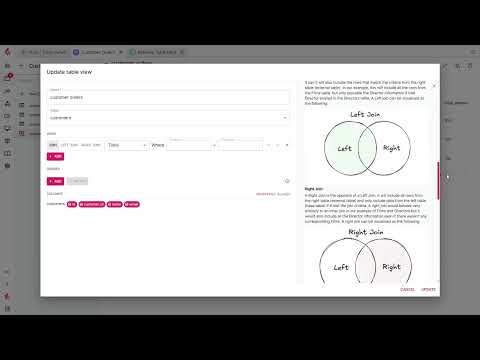
Table Views
Discover how 'Table Views' can simplify access to data stored across multiple tables.

Tables
Learn how to use tables to manage and organise data within your automation workflows.

The Repeating Layout
Create layouts with repeating items to showcase tables or grid.

User Groups & Permissions in Apps
Learn how to manage user groups and permissions to control app access.

User Groups & Permissions in Automation
Explore methods for organising user groups and assigning permissions in your automation.
Variables
Explore the role of variables in automation for flexible and efficient task handling.

Workflows
Dive deeper into advanced techniques for designing and managing workflows.
Advanced2 videos


No videos match that.
Got ideas? If there is something we could add or improve, please let us know. Toca Academy is the new home of the Vault, and it needs no account: every video is open, and what you have watched and saved for later is kept in this browser only.