
Docs · Projects
Variables
A variable is simply a container for a value to which you can give a name so you can reference the value easily.
Think of a variable as a box. You can label the box so you can find it and so that you know what's in it, this is the variable name. The content you put inside the box is the variable value. You can change what you put inside the box as you go, which is the same as updating the variable value.
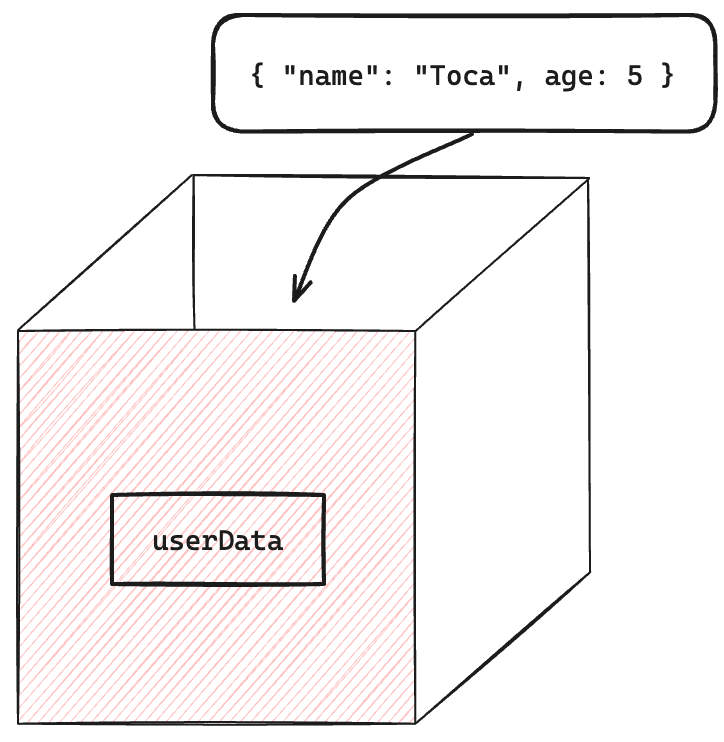
The above diagram demonstrates a variable with a name of userData and a JSON value containing information about a user such as their name and age.
A variable will have an associated type such as:
- String
- Number
- Boolean
- Coordinates
- Bounding Box
- Grid,
- Image
- List
- Date-Time
- JSON
- Table
All the variables will be pink and visible in the Variables palette from the Action Panel (in the same section as the Actions and Input/Output). Variables will always be pink whereas action results are green and datastore datachips are blue.
So a variable looks like this userDataJSON.
An action result looks like this userDataJSON.
A datastore variable looks like this userDataJSON.
Variables, unlike action results, are changeable and can have their values updated throughout an activity.
Variables are often created via Set Variable action but any action result can be used to create and set a variable (bottom of the action menu). Their notation is $$ExampleText$$. Once they are created you can hover over them to see the data.
Datachips can be renamed (they will still work in actions, datachips will be updated everywhere).
To delete a variable, either click on the icon 'x' corresponding to the variable or remove the action that created the variable.