
Docs · Release notes
7.5 - Release Notes
What's New
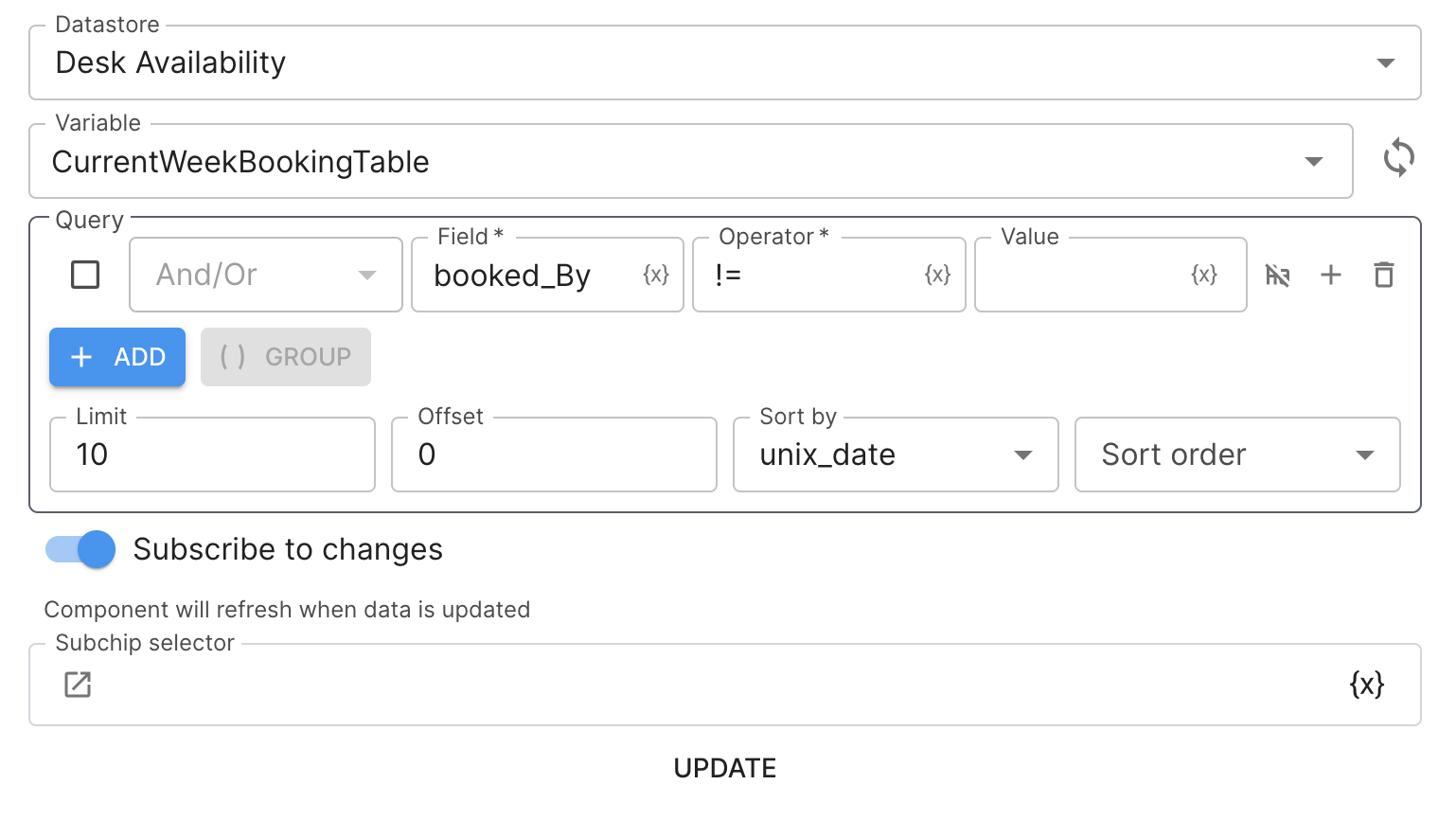
"Subscribe to changes" in apps
Subscribe to changes is a new feature in Apps that replaces polling. Previously, if you wanted data to update on your app page you would set a polling interval so that the data was refreshed at a frequent interval. This had limitations such as only being able to set a minimum interval of 1 second and also it could result in your App doing a lot more work than it had to. This new feature means that your App page will now be notified when data has been updated or workflow results have been returned. This allows your App to update automatically as soon as the data has updated and means that your app users see the data update in real time and also your App will be more efficient as it is only making updates when it needs to. This will work with the following data sources:
- Any datastore variable, including tables
- Results from workflows that have been run via an App
You will not need to make any changes to start using this feature, App components which previously had configured polling will now automatically Subscribe to changes.
Look out for this feature when adding a datasource to an App component!
Documentation across the platform
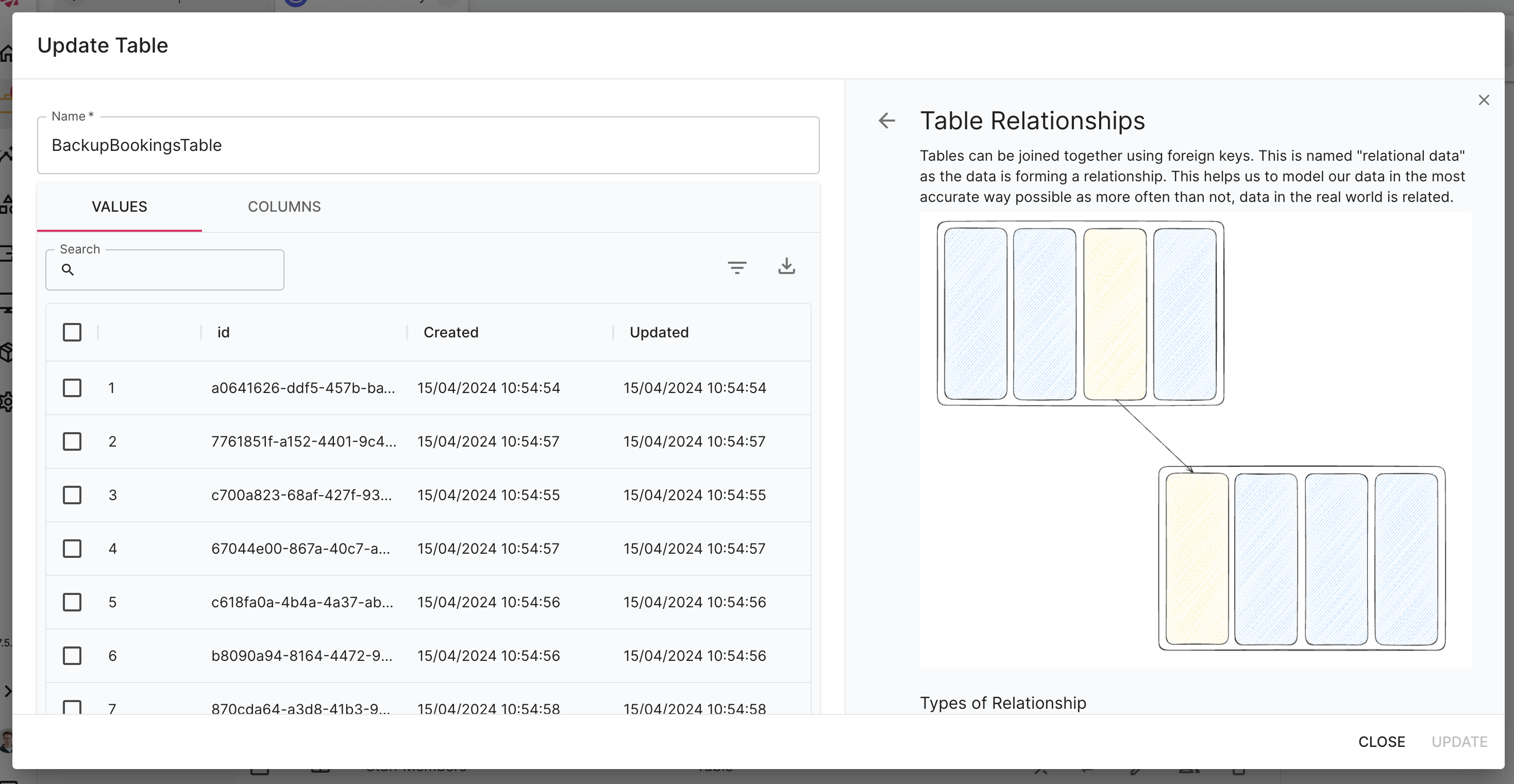
The platform now comes with built in documentation so you can learn about features and functionality without ever having to leave the application. This includes documentation within the platform itself, usually available by selecting the little ( i ) information icon next to entities. It also includes documentation for actions, app components, app actions and connectors.
This also applies to when you are creating new entities within the Toca Development Kit, you are now required to add documentation before submitting your component for review. This ensures that all entities will continue to be documented.
The platform documentation is also hosted in GitHub and this is a public repository so you are welcome to browse the documentation from there and even contribute if you wish to.
Keep your eyes peeled for the info icon that signifies documentation!
Export datastore tables without the data
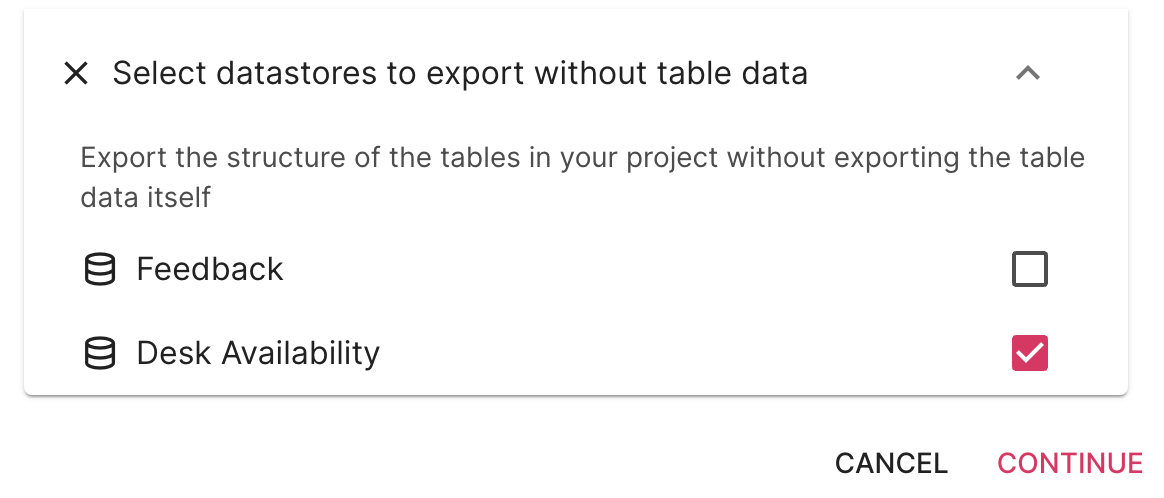
A quality of life improvement to the Export feature, you can now choose to export the tables without any rows in them, this will still export the table definition so that the column definitions will be maintained but will not export any of the rows within the tables. This is useful if the tables contain data that is only going to be overwritten anyway or if your tables contain sensitive data.
The new option will appear at the end of the Export options.
Transfer table data
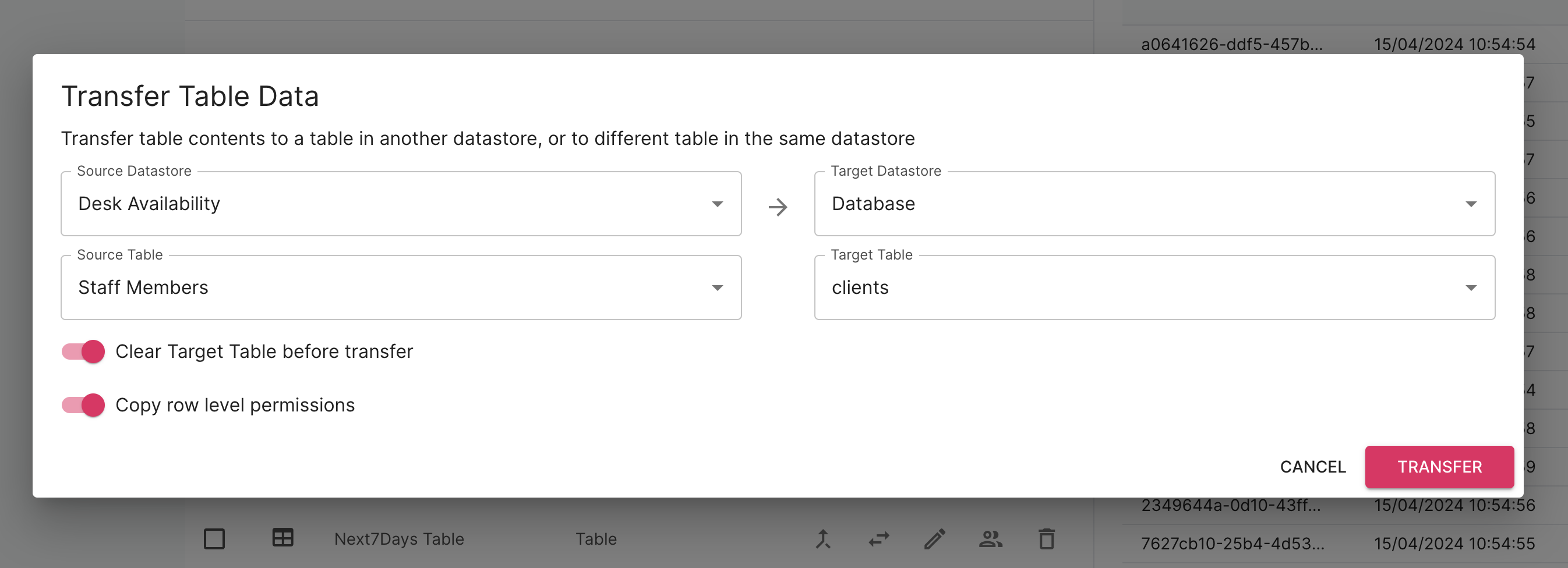
There is now a tool available within the datastore view that will allow you to transfer data from one table in a datastore to another table in a datastore. This is useful when you are migrating data between projects or copying data. This will also work across different datastores, so no need for your tables to be within the same datastore.
You can also use this tool to quickly clear a table by setting the target and source table as the same and ticking the option to wipe the table before migrating the data!
Bug Fixes
Bug fixes mainly covered the following themes:
- Import & Export
- Performance
- Running workflows
Contact <support@toca.io> for a full list of bug fixes included within this release.
Deprecated
- The option to set up polling within Apps when retrieving data from datastores has been removed as this has been superseded by the new "Subscribe to changes" feature. App components that used this option have been migrated to use the "Subscribe to changes" feature as part of this version.