
Academy · Foundation Engineer · Lesson 2: Working in the Activity Designer
Automation Project Tour
Get a guided tour of the automation UI to understand its key elements.
Academy · Foundation Engineer · Lesson 2: Working in the Activity Designer
Get a guided tour of the automation UI to understand its key elements.

An overview of the activity designer, including how to add actions, re-order them, and assign bots.
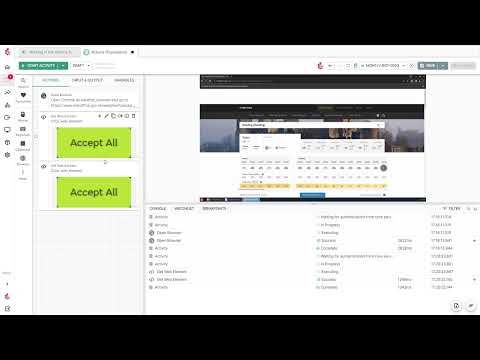
A simple look into how actions can be used in automation, including Open Browser, Get Web Element, and Set Datastore Variable.

Learn how to use data chips to set variables and dynamically drive automation tasks.